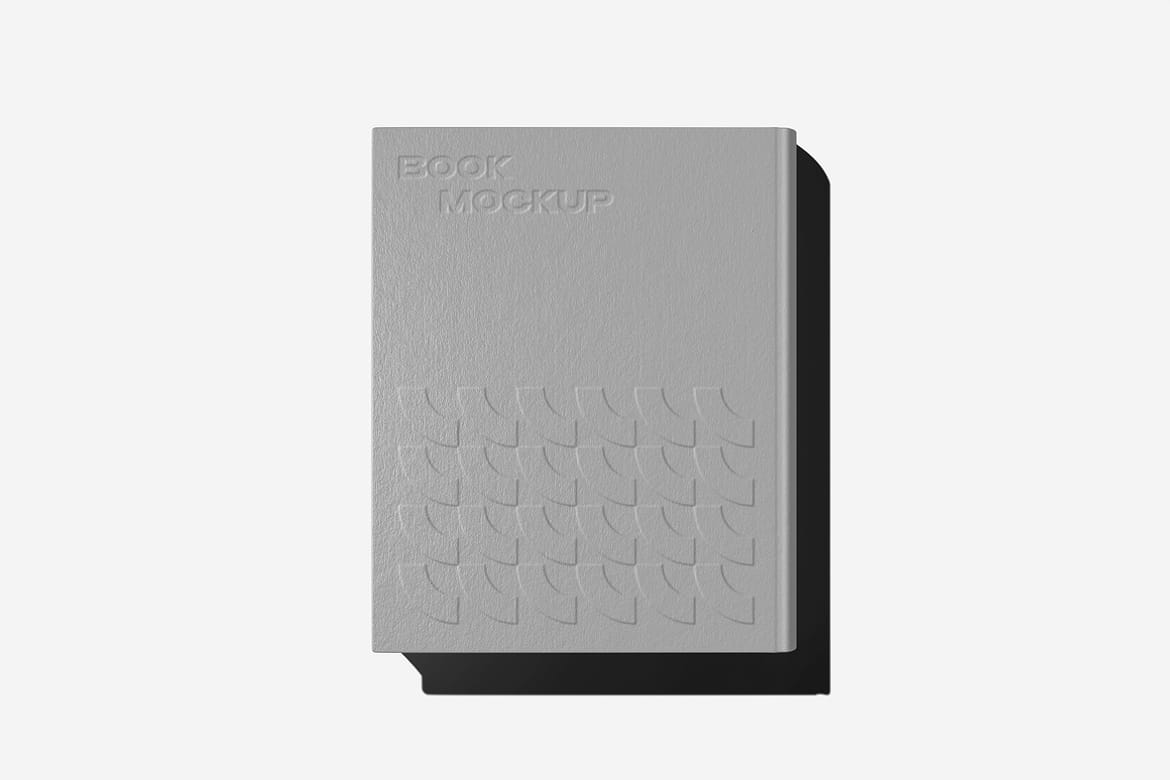
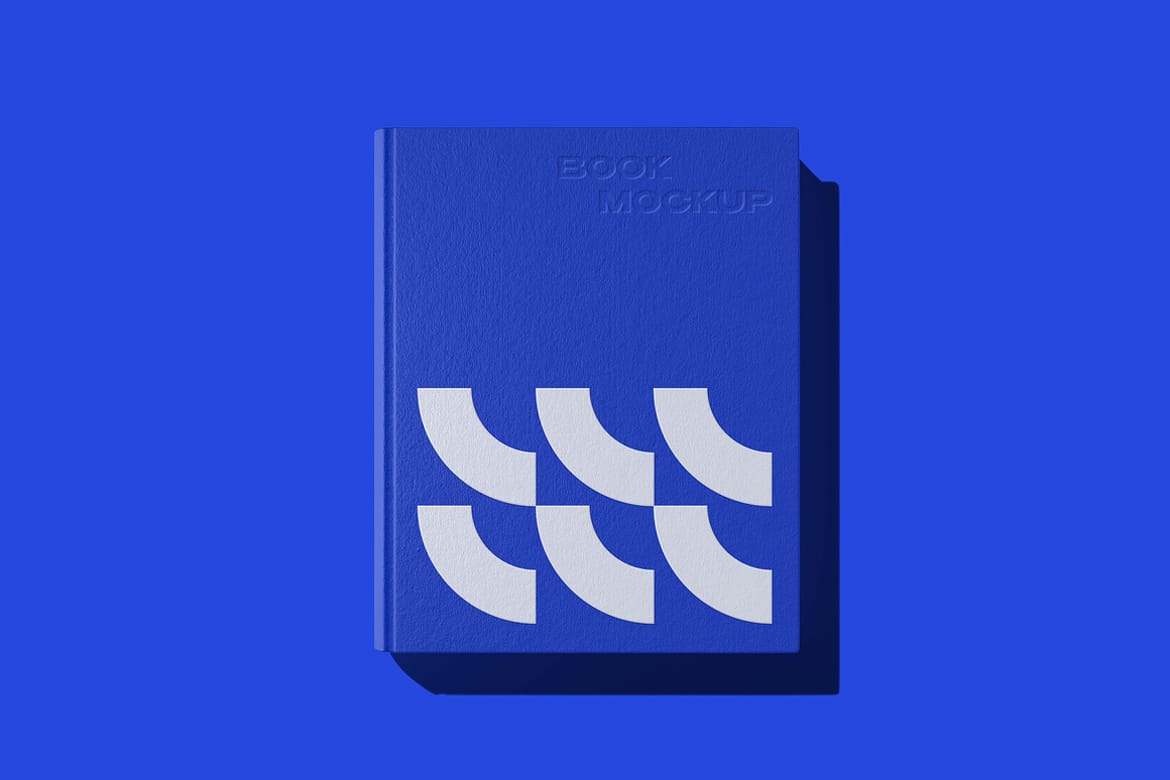
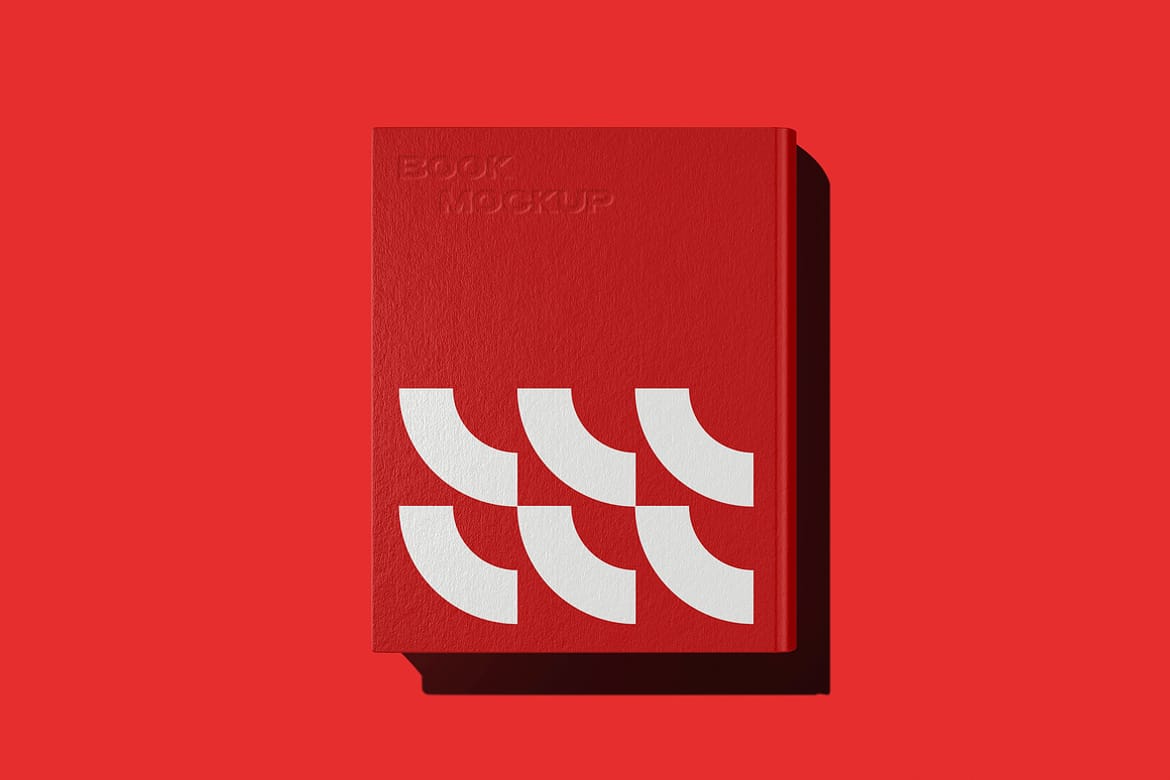
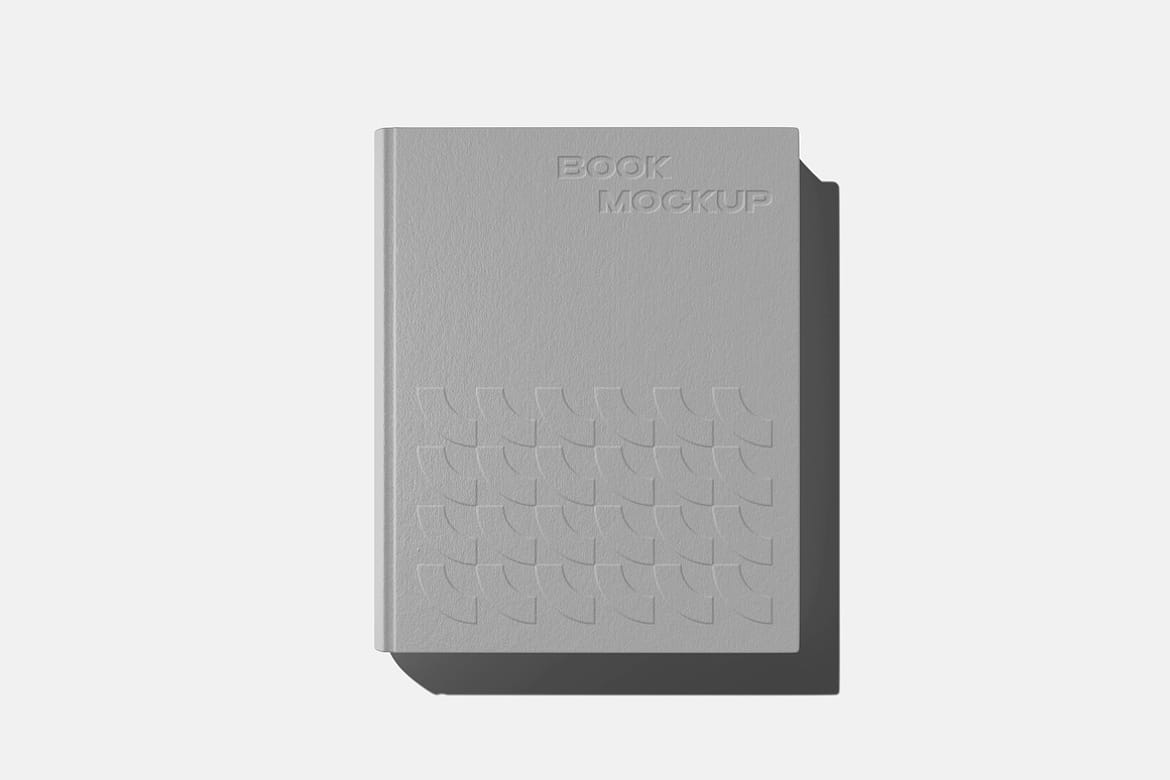
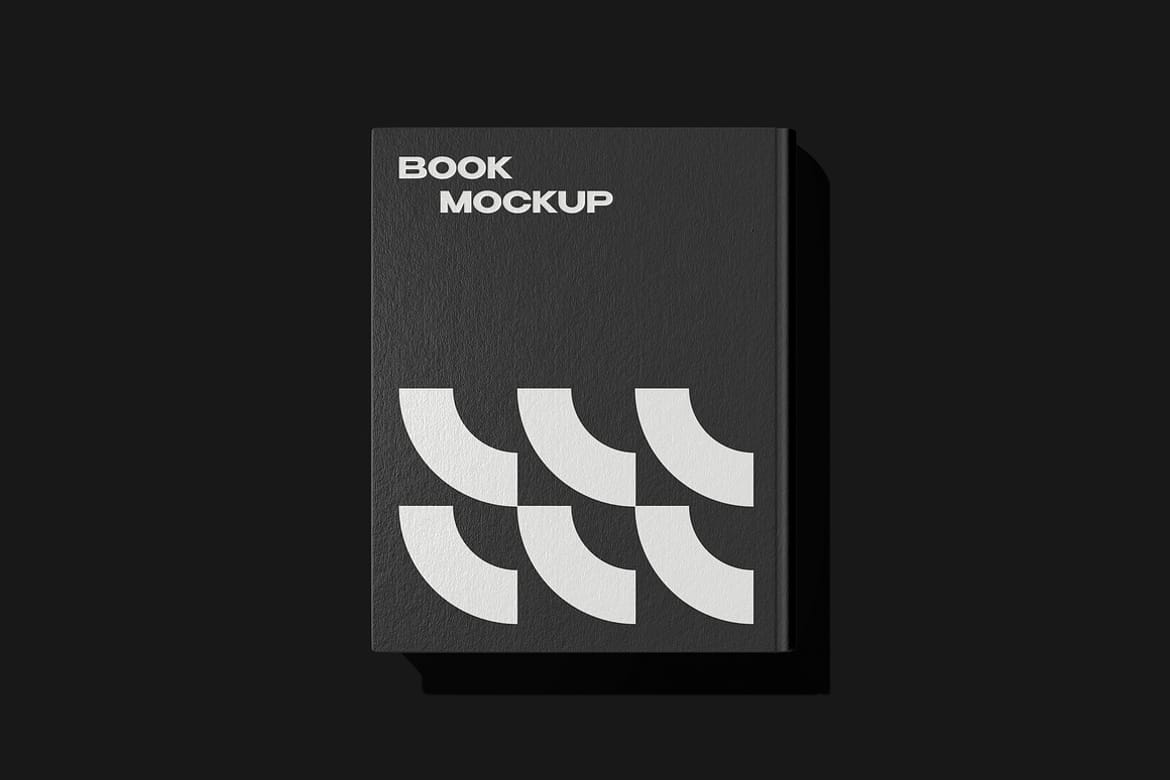
Hardcover Book Mockup

Overview

Open the Smart Object layer with a double-click on its thumbnail, delete the default placeholder layer, then add any graphics you need and save the applied changes. These few actions will provide you with an inspiring showcase scene.

Highlights

  • 2 high-quality PSD files;
  • changeable book and background colors;
  • embossing & debossing options;
  • front & back sides;
  • help file.
Hardcover Book Mockup